Shopify llms.txt: How It Works and When to Customize It
Shopify stores now have managed support for llms.txt. For most merchants, the right first step is not to upload a new file or install an app. It is to inspect the version Shopify already serves at:
https://your-primary-domain.com/llms.txt
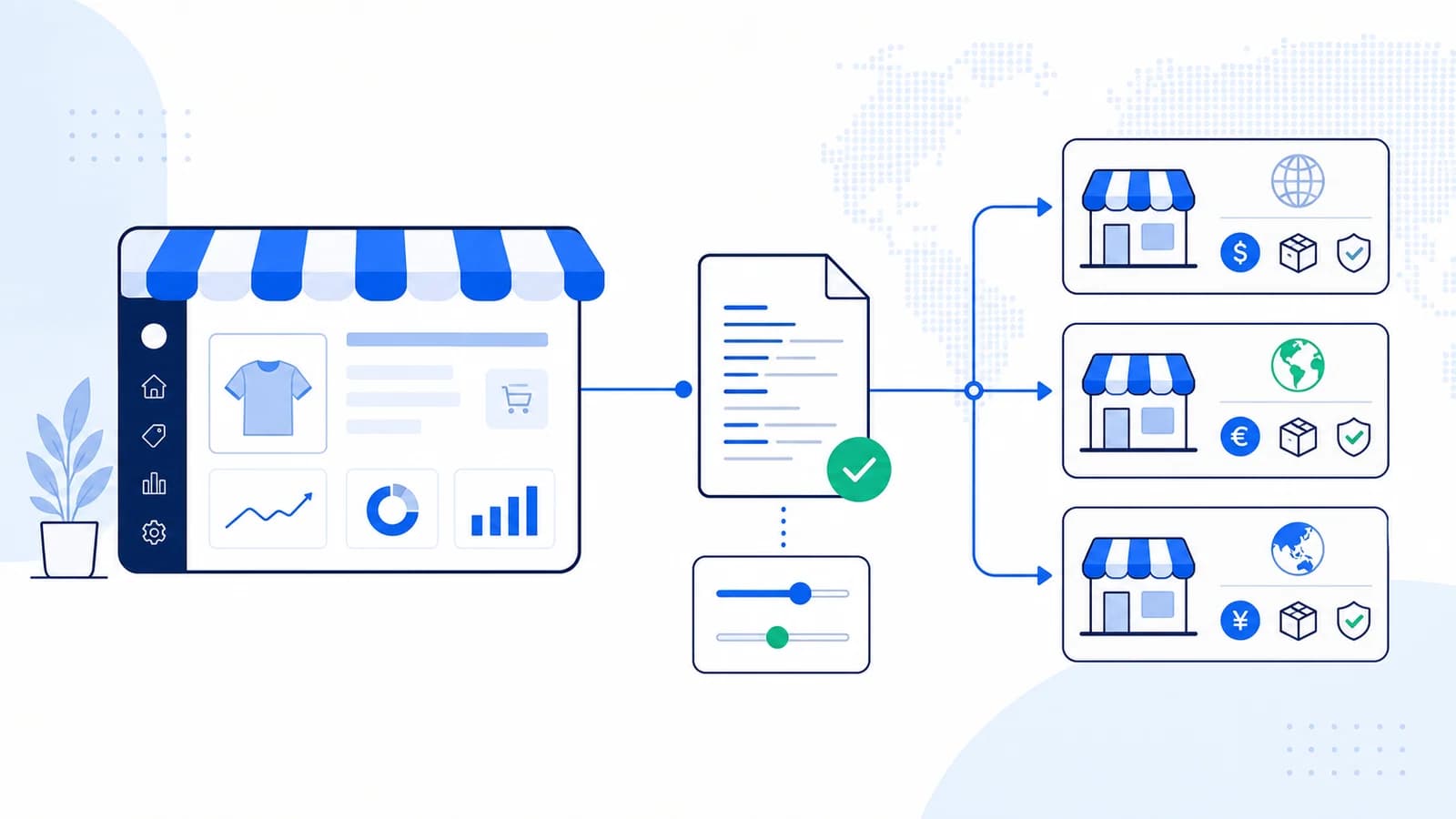
Shopify's current implementation mirrors the store's /agents.md content at /llms.txt. The managed output is designed to provide AI agents with a structured overview of the storefront. Advanced stores can customize the source with Liquid, but a custom template introduces maintenance and security responsibilities.
This guide reflects Shopify's documented behavior as of July 2026. Recheck the platform documentation before publication because the feature may evolve.
Does Shopify generate llms.txt automatically?
Yes. Shopify documents a managed llms.txt endpoint for online stores. The default content is based on the store and is mirrored from /agents.md.
Check both URLs:
https://example.com/llms.txt
https://example.com/agents.md
Do not assume a missing file until you test the bare primary domain. Shopify notes that the managed file is served there, not as a separate file inside each Markets or locale subfolder.
For most stores, the managed version is sufficient. It avoids a theme customization and can evolve with Shopify's platform behavior.
What is the relationship between agents.md and llms.txt?
On Shopify, /agents.md is the managed source and /llms.txt mirrors it by default.
Shopify documents this template lookup order for the llms.txt response:
llms.txt.liquid, when a dedicated template exists;agents.md.liquid, when it exists and no dedicated llms template overrides it;- Shopify's generated default.
That order creates two customization strategies:
- Customize
agents.md.liquidwhen both endpoints should share the same content. - Create
llms.txt.liquidonly when/llms.txtmust deliberately differ.
A dedicated file is an advanced exception, not a required installation step.
How to audit the default Shopify file
Open /llms.txt and answer these questions:
- Does it identify the correct storefront and primary domain?
- Does it expose useful navigation to products, collections, policies, and support?
- Are links canonical and publicly accessible?
- Does it represent the current market, language, and brand?
- Does it omit account, checkout, preview, and internal URLs?
- Does it return HTTP 200 as readable Markdown or plain text?
Then run the store through the llmsmap.me audit to inspect the file alongside other AI-readiness signals.
If the managed output is accurate, leave it alone. Custom code should solve a specific content problem.
When should a Shopify store customize llms.txt?
Customization can be useful when:
- the brand needs a precise factual description;
- the default file misses durable buying guides or support policies;
- the catalog has a complex hierarchy that requires explanation;
- regulated products need prominent limitations or eligibility information;
- the store has a developer or wholesale area with separate authoritative resources;
- the team wants
/agents.mdand/llms.txtto serve different intentional roles.
Do not customize it merely to add more URLs. A curated map is more useful than an export of every product, tag, filter, and campaign page.
What to include for ecommerce
A strong store-oriented file should make common buying questions easy to resolve.
Brand and catalog scope
State what the store sells, the markets it serves, and any important audience limitation. Avoid unsupported superlatives.
Stable collection pages
Link to durable product categories rather than every item when inventory changes often. Descriptions should distinguish the collections.
Shipping, returns, and warranty
These pages answer high-intent questions and reduce the chance that an agent relies on an old third-party summary.
Sizing, compatibility, and care
Include guides that help customers choose the right product. For technical goods, expose compatibility and specification references.
Contact and support
Point to customer service, order support, and frequently asked questions. Do not expose private support systems or administrative routes.
Editorial buying guides
Include a small number of evergreen guides when they provide genuine decision support. Avoid seasonal campaigns that will become stale.
Avoid copying volatile product data
Prices, discounts, stock, delivery estimates, and variants can change faster than a manually maintained text file.
Prefer a link to the live canonical product or collection page. If the custom output includes volatile data, generate it from Shopify at request or build time and define a cache-invalidation strategy.
The file should also say that the live product page is authoritative for current price and availability.
Customizing with Liquid
Shopify supports agents.md.liquid and llms.txt.liquid templates. Follow the platform's current theme architecture documentation rather than copying an old generic snippet.
The llms template has a restricted Liquid context. Shopify documents access to request and agents, not the usual full set of storefront global objects. Code that works in a product or page template may not work here.
Before adding a template:
- Save the current endpoint output.
- Define why the default is insufficient.
- Test in a duplicate theme or safe development workflow.
- Keep the output valid Markdown.
- Avoid personal, customer, draft, or admin data.
- Verify both
/agents.mdand/llms.txt. - Add the endpoint to theme-release regression tests.
If both endpoints should stay identical, customize the shared source rather than maintaining two copies.
Shopify Markets and multilingual stores
Shopify currently documents the managed file on the bare primary domain. It does not automatically provide an equivalent file in every locale or Markets subfolder.
That creates a genuine limitation for stores with regional catalogs. Do not invent locale endpoints and assume agents will discover them.
Instead:
- make the root file explicit about available markets and languages;
- link to canonical locale or regional storefront pages where useful;
- avoid duplicate links that differ only through tracking or session parameters;
- state when policies, price, or availability vary by market;
- keep
hreflang, canonical tags, and normal storefront navigation correct.
If you build custom locale files, document and link them from the root file, then test the exact routes. Treat them as an additional convention rather than a guaranteed Shopify discovery feature.
Apps versus native Shopify support
An app may add editorial controls, analytics, or automated selection, but it is not required simply to make /llms.txt exist.
Before installing one, check:
- whether it overrides Shopify's managed endpoint;
- how it selects products and pages;
- whether it handles multiple markets and languages;
- whether it sends store content to an external service;
- how it behaves after uninstallation;
- whether the result remains available during app downtime;
- whether it generates a huge
llms-full.txtwithout exclusions.
Prefer the smallest implementation that meets the actual content requirement.
A decision tree for Shopify merchants
Use this sequence before changing the theme:
The managed file is accurate
Keep Shopify's default. Document who will review it after major catalog, policy, domain, or Markets changes.
The managed file needs the same improvement as agents.md
Customize the shared agents.md.liquid source according to current Shopify documentation. Retest both public endpoints because one template can affect both.
llms.txt needs deliberately different content
Use llms.txt.liquid only when the difference has a documented purpose. Examples include a partner-specific context map or a narrower resource selection. Duplicating identical content in two templates adds drift without value.
The desired data is unavailable in the restricted Liquid context
Do not assume normal theme globals will work. Reconsider whether the content belongs in this endpoint, use supported agents data, or generate a controlled external artifact through an architecture that can preserve the public root route. Avoid fragile client-side assembly for a plain-text resource.
The team cannot own future updates
Use the managed file. A less customized current endpoint is safer than an elaborate template that becomes inaccurate after the next launch.
Designing for multiple markets
A global Shopify store may have different currencies, legal policies, shipping regions, catalogs, and languages. The root file should not flatten those differences into universal claims.
Use wording such as:
- "Availability and price vary by market; the localized product page is authoritative."
- "This shipping policy applies to the United States storefront."
- "Select a regional storefront for local returns and warranty terms."
Link only to stable, canonical market entry points and the policies that can be accessed without a session. Do not embed currency-converted prices or inventory snapshots in a manually maintained template.
Create a market matrix before customization:
| Field | Global or market-specific? | Authoritative source |
|---|---|---|
| Brand and product category | Usually global | Primary domain |
| Price and availability | Market-specific | Live product page |
| Shipping and returns | Often market-specific | Regional policy |
| Warranty | Product and region-specific | Warranty page |
| Support channels | May vary by locale | Regional contact page |
The matrix exposes facts that cannot safely be summarized in one sentence.
Change management and observability
Add endpoint checks to the same workflow used for theme releases. At minimum, monitor:
- response status and content type;
- unexpected differences between
/agents.mdand/llms.txt; - Liquid error text;
- links to unpublished products or preview themes;
- redirects caused by primary-domain changes;
- sudden output-size changes;
- broken policy and collection links;
- stale brand or market descriptions.
Save a known-good response for comparison. If a theme deployment breaks the custom template, rollback should restore the previous endpoint rather than leaving a public error.
Review logs to learn whether clients request the files, but avoid treating a claimed user agent as verified provider adoption. The strongest success metric is still whether the endpoint is correct, maintained, and useful in an identified workflow.
Should Shopify stores publish llms-full.txt?
A full-text export is rarely appropriate for an entire dynamic catalog. It can duplicate descriptions, expose stale inventory, and become too large for practical use.
Consider it only for a narrow, stable collection such as product documentation, care guides, or wholesale onboarding. Use an allowlist, preserve canonical source URLs, exclude customer and order data, and regenerate after source changes. For ordinary retail catalogs, the managed short file plus live canonical pages is the safer architecture.
Testing checklist
After any change:
- Request
/llms.txton the bare primary domain. - Confirm HTTP 200 and a readable text response.
- Request
/agents.mdand compare the intended behavior. - Test every link anonymously.
- Check that canonical store URLs are used.
- Confirm no preview, cart, checkout, customer, or admin paths appear.
- Check the rendered text for Liquid errors.
- Purge storefront and CDN caches if required.
- Retest after publishing a theme update.
- Record who owns future content review.
Frequently asked questions
Do I need a Shopify app to create llms.txt?
Usually no. Shopify provides a managed endpoint. An app is optional when you need controls or workflows beyond the native behavior.
Should I create llms.txt.liquid?
Only if /llms.txt must differ from the shared or generated content. Shopify recommends the managed file for most stores.
Why can I see agents.md as well?
Shopify's managed /llms.txt mirrors /agents.md. A shared custom template can affect both, while a dedicated llms.txt.liquid can override the llms response.
Does every Shopify locale get its own llms.txt?
Shopify documents the managed endpoint on the bare primary domain, not one automatically generated in each locale or Markets subfolder.
Will Shopify llms.txt increase search rankings?
There is no confirmed direct ranking benefit. It can make a curated store description available to clients that intentionally use it, but it does not replace indexable product pages, structured data, internal links, or authority.
Source notes
- Shopify theme architecture for
llms.txt.liquid: https://shopify.dev/docs/storefronts/themes/architecture/templates/llms-txt-liquid - llms.txt proposal: https://llmstxt.org/
- Internal audit:
/audit/