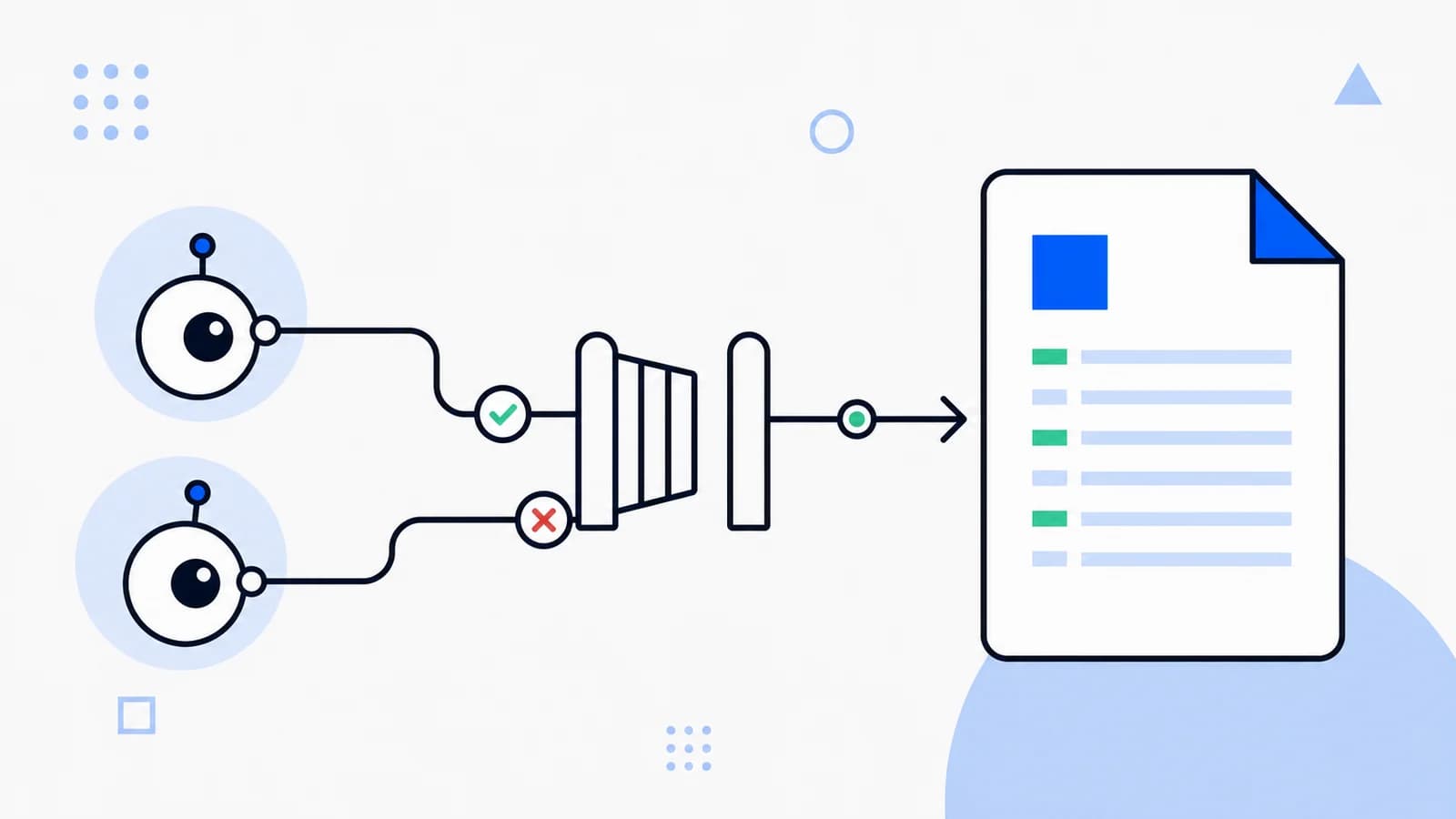
robots.txt is the standard place to publish crawler access preferences. For AI products, the crucial decision is not simply “allow AI” or “block AI”; it is which public sections should be available for search discovery, model-development crawling, and user-initiated retrieval.
Read the AI crawler reference first if you are not sure which User-Agent belongs to which purpose.
Before changing robots.txt
- Confirm each User-Agent in the provider’s current official documentation.
- List public, private, licensed, and high-load sections of your site.
- Decide separately whether you want search citations and model-development crawling.
- Use authentication for private data. robots.txt is public and voluntary.
- Test changes on a staging copy and monitor logs after release.
Scenario 1: allow documented AI crawlers
This maximizes discoverability for public content and permits selected model-development crawlers.
User-agent: GPTBot
Allow: /

User-agent: OAI-SearchBot
Allow: /

User-agent: ChatGPT-User
Allow: /

User-agent: ClaudeBot
Allow: /

User-agent: Claude-SearchBot
Allow: /

User-agent: Claude-User
Allow: /

User-agent: PerplexityBot
Allow: /

User-agent: Perplexity-User
Allow: /
Use this only when it matches your content licensing, privacy obligations, and infrastructure capacity.
Scenario 2: allow AI search, restrict model-development crawling
This is a common publisher starting point: allow search discovery on public pages while opting out of selected training or model-improvement crawlers.
# AI search and retrieval
User-agent: OAI-SearchBot
Allow: /

User-agent: Claude-SearchBot
Allow: /

User-agent: PerplexityBot
Allow: /

# Model-development crawling
User-agent: GPTBot
Disallow: /

User-agent: ClaudeBot
Disallow: /

User-agent: Google-Extended
Disallow: /

User-agent: CCBot
Disallow: /
Google-Extended is a robots control token rather than a separate HTTP User-Agent. Google says this preference does not change Google Search inclusion or ranking.
Scenario 3: allow only selected public sections
Documentation and editorial content can remain discoverable while account and application paths are excluded.
User-agent: OAI-SearchBot
Allow: /docs/
Allow: /blog/
Allow: /help/
Disallow: /account/
Disallow: /admin/
Disallow: /internal-api/

User-agent: Claude-SearchBot
Allow: /docs/
Allow: /blog/
Allow: /help/
Disallow: /account/
Disallow: /admin/
Disallow: /internal-api/

User-agent: PerplexityBot
Allow: /docs/
Allow: /blog/
Allow: /help/
Disallow: /account/
Disallow: /admin/
Disallow: /internal-api/
Scenario 4: block known AI crawlers
Use a full block only after considering the loss of AI-search discovery and citations. Keep the list maintained because providers add and rename controls over time.
User-agent: GPTBot
Disallow: /

User-agent: OAI-SearchBot
Disallow: /

User-agent: ClaudeBot
Disallow: /

User-agent: Claude-SearchBot
Disallow: /

User-agent: PerplexityBot
Disallow: /

User-agent: Google-Extended
Disallow: /

User-agent: CCBot
Disallow: /

User-agent: Bytespider
Disallow: /
Keep ordinary search behavior explicit
AI-specific groups do not replace your general crawler rules. A complete file may also include a sitemap declaration and rules for conventional search crawlers.
User-agent: *
Disallow: /admin/
Disallow: /account/

Sitemap: https://example.com/sitemap.xml
Common configuration errors
- Assuming one group applies to another. Rules are selected by User-Agent matching, not by visual proximity.
- Blocking assets required to understand a page. Test rendered and extracted content after changes.
- Using robots.txt as security. The file advertises paths and does not enforce authorization.
- Copying an outdated crawler list. Verify names and purposes with the provider.
- Forgetting the sitemap. A valid sitemap supports discovery of canonical public URLs.
- Publishing contradictory rules. Consolidate groups and test the final deployed file.
robots.txt versus access enforcement
Compliant crawlers normally honor robots.txt, but the protocol is voluntary. Use server controls for enforceable restrictions:
- Authentication and authorization for non-public content.
- Rate limiting for expensive public endpoints.
- WAF rules and verified provider IP ranges where appropriate.
- Monitoring and alerts for unusual request volume.
How llms.txt fits in
robots.txt communicates where a crawler may go. llms.txt provides a concise map of what the site contains and which canonical resources matter. They complement each other but neither is a permission contract or security mechanism.
Create a context file with the llms.txt generator and link only to public pages that match your crawler policy.
Deployment checklist
- Fetch
https://yourdomain.example/robots.txtwithout authentication. - Confirm a
200response andtext/plaincontent type. - Review groups for typos, duplicates, and overly broad disallow rules.
- Test important public and private paths against each target User-Agent.
- Review logs over the following days and watch server load.
- Run an AI-readiness audit and schedule periodic policy reviews.
Recommended starting point
For many public documentation, SaaS, and editorial sites, Scenario 2 is a reasonable starting point: permit documented AI-search crawlers on public content, restrict private and expensive paths, and make a separate decision about model-development crawling. Legal, licensing, and product requirements should override generic recommendations.