How to Add llms.txt to WordPress
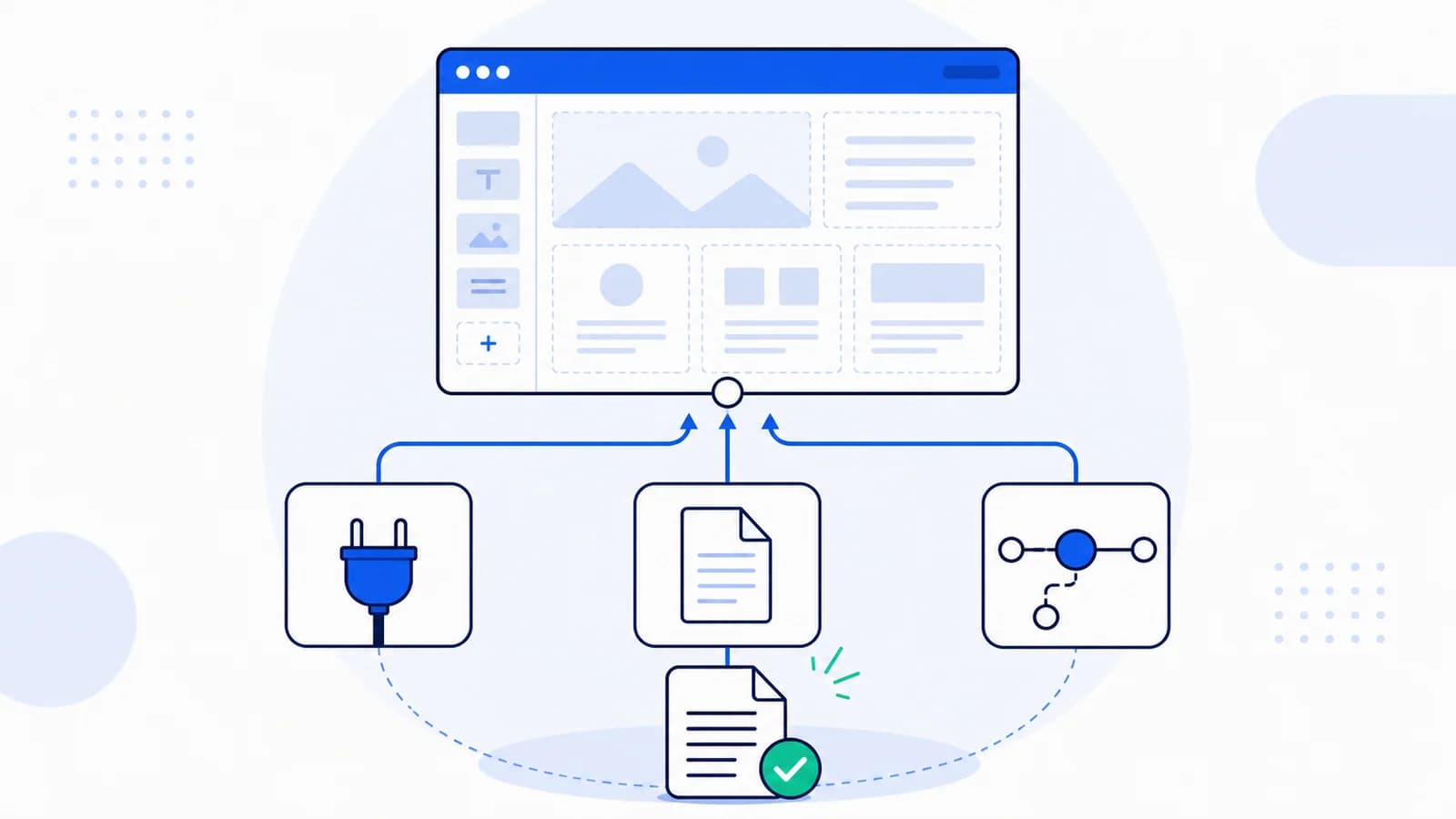
There are three practical ways to add llms.txt to WordPress: install a purpose-built plugin, upload a static file, or create a custom route that generates the file from selected content.
The best method depends on how often the site changes and how much editorial control you need. A small company site can maintain a static file. An active publisher or WooCommerce store may need an automated route, but automation should not turn the file into a dump of every URL.
This guide walks through each option and the checks that prevent common WordPress failures.
Before you install anything
Open:
https://yourdomain.com/llms.txt
Your host, SEO platform, or another plugin may already provide the route. Record its current status and contents before making changes. Two plugins trying to control the same path can cause caching bugs or unpredictable output.
Also decide what the file is supposed to represent:
- the company and its services;
- product documentation;
- a publication and its topic hubs;
- a WooCommerce store and its durable categories and policies.
That scope determines what should be included.
Option 1: Use a WordPress llms.txt plugin
A plugin is the easiest route for non-technical teams, especially when editors need to update settings in the dashboard.
The WordPress plugin directory contains several implementations. Availability, ownership, and feature sets change, so evaluate the plugin rather than treating any listing as an official WordPress or llms.txt solution.
Look for these capabilities:
- manual inclusion and exclusion of posts, pages, and custom post types;
- correct handling of canonical URLs and
noindexcontent; - support for multilingual sites and the site's actual URL structure;
- predictable behavior with page caching and CDNs;
- safe uninstall behavior;
- an update history compatible with your WordPress version;
- no requirement to send private content to an unrelated external service;
- readable output that follows the llms.txt proposal.
After installation, review every automatically selected content type. Attachment pages, tag archives, author archives, filtered shop URLs, and private custom post types usually do not belong in the file.
Option 2: Upload a static llms.txt file
A static file offers the most control and the fewest runtime dependencies.
Create a UTF-8 plain-text file named llms.txt:
# Example Studio

> Example Studio designs and develops accessible WordPress websites for UK organizations.

## Services

- [WordPress development](https://example.com/wordpress-development/): Custom themes, integrations, and migrations.
- [Accessibility audits](https://example.com/accessibility/): WCAG testing and remediation.
- [Maintenance](https://example.com/maintenance/): Updates, backups, monitoring, and support.

## Company

- [About](https://example.com/about/): Team, experience, and working approach.
- [Case studies](https://example.com/work/): Selected client projects.
- [Contact](https://example.com/contact/): Project enquiry and support details.

## Optional

- [Blog](https://example.com/blog/): Practical WordPress and accessibility articles.
Upload it to the public web root so it resolves at /llms.txt, not inside the media library. Depending on the host, the web root may be named public_html, htdocs, www, or the domain itself.
A static file is a strong choice when:
- important URLs change infrequently;
- an editor owns a maintenance checklist;
- the host permits root-level files;
- you want to avoid adding another WordPress plugin.
Its weakness is freshness. Add the file to launch, migration, rebrand, and content-archiving checklists.
Option 3: Create a custom WordPress route
A generated route is useful when the content selection is stored in WordPress and changes regularly. Build it in a small site-specific plugin rather than a theme, so changing themes does not remove the endpoint.
A minimal implementation needs to:
- Register an exact rewrite rule for
llms.txt. - Add a query variable.
- Return plain Markdown with an appropriate content type.
- Escape or normalize CMS values before output.
- Cache the generated result.
- Invalidate the cache when included content changes.
Do not run broad database queries on every request. Generate the document on save, on a scheduled job, or behind a persistent cache.
Also avoid copying post HTML directly. WordPress content may contain shortcodes, blocks, embeds, scripts, or navigation fragments. For the short file, use manually reviewed titles, canonical URLs, and concise descriptions.
Which WordPress pages should be included?
For a company website, prioritize:
- core service or product pages;
- pricing or engagement model;
- documentation and support;
- about, authorship, and contact;
- policies that affect a purchase or use of the service;
- a small number of durable guides.
For a publisher, link topic hubs, author information, editorial policies, and corrections. You do not need to list every article.
For WooCommerce, prefer product categories, buying guidance, shipping, returns, warranty, and support. Individual products are appropriate only when the catalog is small and the URLs are durable.
Exclude:
- drafts, private posts, and password-protected pages;
noindexpages unless there is a deliberate reason to expose them;- cart, checkout, account, and order endpoints;
- internal search and faceted navigation;
- media attachment pages;
- tag and date archives with little unique value;
- redirected or non-canonical URLs.
Multilingual WordPress sites
Do not mix languages without explaining the structure. A multilingual site can either:
- publish one root file with clearly labeled language sections; or
- publish locale-specific files if the URL architecture and application support them.
Use the canonical locale URLs generated by the multilingual system. Avoid linking both the canonical page and duplicate query-parameter versions.
Before adopting locale-specific paths, test whether clients and your own documentation actually reference them. The convention is still emerging, and root discovery behavior is not uniform.
WordPress caching and CDN problems
If /llms.txt shows old content or an HTML page:
- Purge the WordPress page cache.
- Purge the CDN cache for the exact path.
- Check whether a security plugin blocks
.txtroutes. - Resave permalinks after registering a new rewrite rule.
- Inspect server rules for a physical file that overrides WordPress.
- Test the origin separately from the CDN.
- Verify that redirects do not send the request to a localized homepage or 404 template.
Cache the endpoint as text, but invalidate it when selected content changes.
A better WooCommerce content model
WooCommerce stores need stricter selection because the database can contain thousands of products, variations, attributes, and archives.
Build the short file around durable customer decisions:
- primary product categories;
- sizing, compatibility, ingredients, or material guides;
- shipping regions and delivery expectations;
- returns, exchanges, and warranty;
- payment and subscription terms;
- contact and order support;
- a small set of evergreen buying guides.
Only include individual products when they are stable, strategically important, and available at a canonical public URL. Do not export cart fragments, variation parameters, internal search, wishlists, account endpoints, or filtered archives.
If descriptions are generated from WooCommerce fields, define a fallback when a product excerpt is empty and strip shortcodes and private metadata. Prices and stock should remain on live product pages unless the endpoint is generated and invalidated reliably. Add a statement that the product page is authoritative for current availability.
For a multilingual store, test whether translated categories have independent canonical URLs and whether policies genuinely differ by market. One mixed list of duplicated products is rarely helpful.
Editorial controls for an automated plugin
Automation still needs an approval model. A useful implementation stores, for each selected resource:
- canonical URL;
- public title;
- one-sentence factual description;
- section;
- language;
- owner;
- inclusion status;
- last reviewed date.
Generate the file from approved records rather than from every published post. Editors should be able to preview the final Markdown, see broken or redirected links, and compare changes before deployment.
Apply WordPress capabilities carefully. Updating a public machine-readable source should not be available to every account that can write a draft post. Keep an audit log of settings and selection changes, especially on multi-author or agency-managed sites.
When a page is moved to trash, changed to private, or redirected, automatically flag its llms entry. Do not silently keep the old content until the next manual review.
Deployment and rollback checklist
Treat the endpoint like any other production feature:
- Test in staging without allowing the staging file to appear as the canonical public source.
- Save the previous production output.
- Flush WordPress rewrite rules only during activation or an explicit administrative action.
- Deploy the site-specific plugin or static artifact.
- Purge only the required cache paths.
- Test anonymously through the public CDN.
- Compare the deployed response with the approved preview.
- Restore the previous file or disable the route if PHP errors or private URLs appear.
Avoid placing route registration in a general snippets plugin that can be deactivated during unrelated maintenance. A small version-controlled site plugin gives the behavior a clear owner and release history.
Monitoring after publication
Schedule checks for response status, content type, minimum expected length, H1 identity, and broken links. Alert when the endpoint becomes HTML, contains a PHP warning, redirects to the homepage, or changes by an unexpectedly large percentage.
Also review usage in server or CDN logs. A request count can show that clients fetch the file, but user-agent strings are not verified proof of a particular AI provider. Use logs for operations, not unsupported ranking claims.
How to test WordPress llms.txt
Run:
curl -i https://example.com/llms.txt
You should see an HTTP 200 response and a text content type. Then check:
- exactly one clear H1 identifies the site;
- the summary is factual;
- sections use H2 headings;
- every Markdown link is absolute and canonical;
- no private or
noindexcontent appears; - no HTML template, shortcode, or PHP warning leaked into the response;
- the content remains correct after a cache purge;
- the endpoint works for anonymous visitors.
Use the llms.txt generator if you want to prepare the content before choosing a WordPress delivery method. After deployment, run the site audit.
Should WordPress generate llms-full.txt too?
Only when there is a clear use case. A full export can become very large on publishing and ecommerce sites. If you create one, use an allowlist of canonical pages, extract main content, preserve source URLs, exclude private data, and regenerate it when the sources change.
For many WordPress sites, a curated short file is enough.
Frequently asked questions
Does WordPress support llms.txt by default?
Core behavior can change, and hosts or plugins may add their own endpoints. Check /llms.txt on the actual site before installing another implementation.
Is there an official llms.txt WordPress plugin?
The public plugin directory contains third-party options. Review maintenance, data handling, content controls, and compatibility before choosing one.
Can I put llms.txt in the media library?
That normally creates an uploads URL rather than the required root path. Publish it through the web root, a plugin, or a server/application route.
Will an SEO plugin sitemap create llms.txt automatically?
Not necessarily. An XML sitemap and llms.txt have different purposes. Verify the feature in the documentation and test the endpoint directly.
Does llms.txt improve WordPress SEO?
There is no confirmed direct ranking benefit. It may provide a useful curated map for tools that choose to read it, but it does not replace crawlability, indexable pages, helpful content, structured data, or links.
Source notes
- llms.txt proposal: https://llmstxt.org/
- WordPress plugin directory search: https://wordpress.org/plugins/search/llms.txt/
- Internal creation guide:
/blog/how-to-create-llms-txt/