llms-full.txt: What It Is and How to Build One
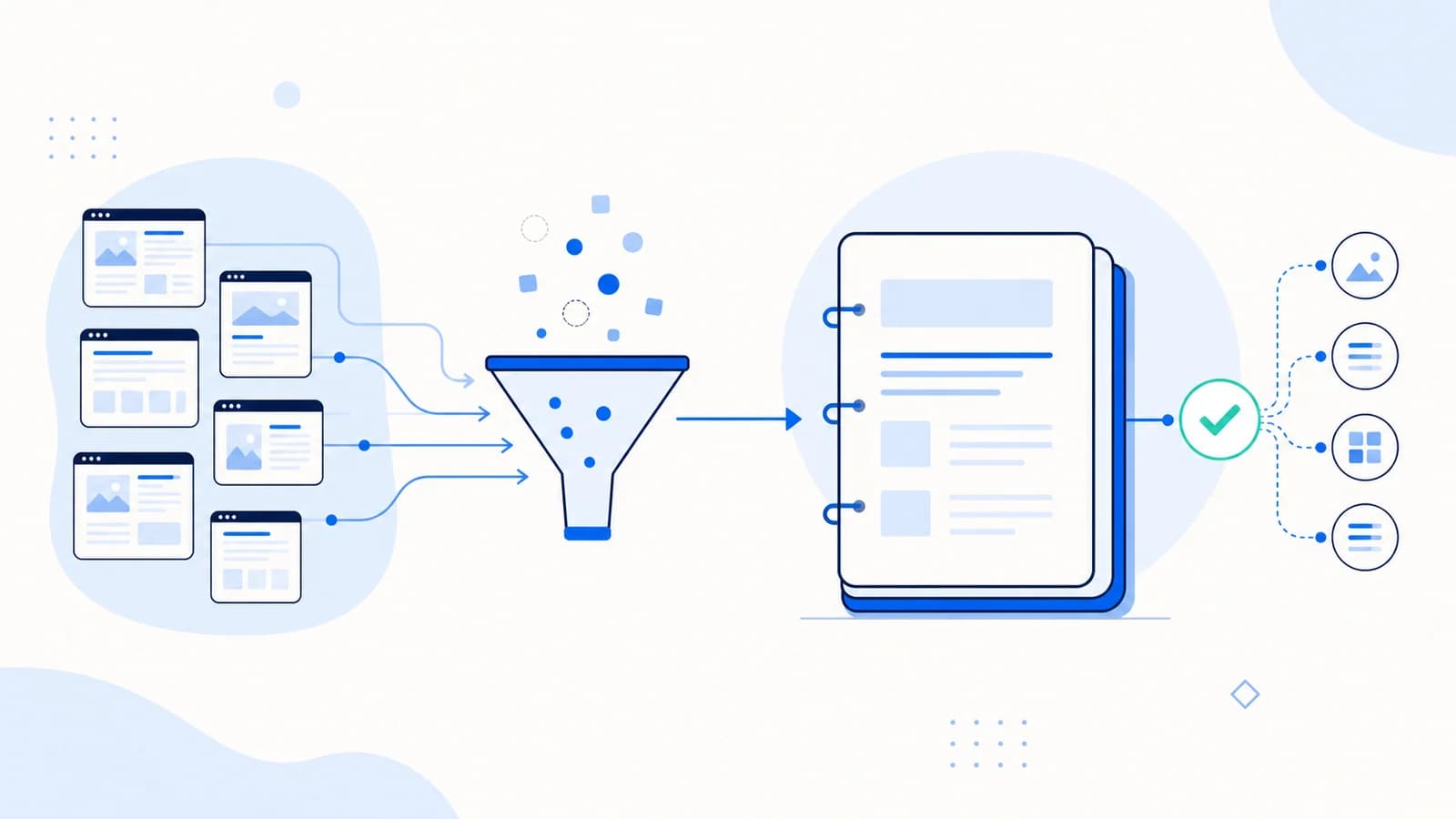
llms-full.txt is a consolidated, text-first version of a website's most useful content. While llms.txt acts as a concise map of important pages, llms-full.txt can place the selected content itself into one document.
That distinction matters. A short index is easy to maintain and lets an agent choose what to retrieve. A full-text bundle can be convenient when documentation is compact and tightly related, but it can also become large, stale, repetitive, or unsafe if it is generated without editorial controls.
This guide explains when to create llms-full.txt, what to put in it, and how to keep it useful.
What is llms-full.txt?
The original llms.txt proposal describes an optional compiled Markdown document containing the pages referenced by the short file. In practice, many websites publish that expanded document at /llms-full.txt.
The naming is a convention rather than a universal web standard. No major AI provider guarantees that it will automatically discover, ingest, or rank a site because the file exists. Treat it as a portable context bundle for tools and people that deliberately request it.
A typical pair looks like this:
/llms.txtidentifies the site and links to selected resources./llms-full.txtcontains the cleaned text of some or all of those resources.
The two files should agree about the site's identity, scope, and current product version.
llms.txt vs llms-full.txt
| Question | llms.txt | llms-full.txt |
|---|---|---|
| Primary role | Curated index | Consolidated context |
| Typical content | Summary and links | Full or substantially complete page text |
| Typical size | Small | Potentially large |
| Update risk | Moderate | High |
| Best fit | Almost any public site | Focused docs, products, or knowledge bases |
| Agent behavior | Chooses which source to fetch | Can read one prepared bundle |
Neither file replaces robots.txt, an XML sitemap, canonical tags, or the pages visible to regular visitors.
When llms-full.txt is useful
A focused documentation set
A small API or software library may have installation instructions, concepts, reference material, and examples that fit into one coherent document. A full bundle makes that material easy to attach to an AI workspace or retrieve through a tool.
A stable product knowledge base
A SaaS product with a limited set of plans and stable support documents can compile the most important factual content in one place. Version labels and dates are essential if features change.
A public policy or standards collection
Organizations with a handful of public policies, specifications, or research summaries can provide a clean text edition without navigation, cookie banners, and decorative page elements.
A controlled export for an AI workflow
Some teams use llms-full.txt as a deterministic input to an internal retrieval or evaluation pipeline. In that case, the value comes from the team's explicit use of the file, not from an assumption that every external model will discover it.
When not to create it
Do not publish a full-site dump merely because a generator can produce one.
llms-full.txt is usually a poor fit when:
- the catalog contains thousands of products with changing price or stock;
- much of the site is duplicated across filters, tags, or locales;
- documents contain personal, licensed, paywalled, or account-specific information;
- the source pages change often but the bundle has no automatic update process;
- the resulting file is so large that clients cannot retrieve or process it reliably;
- navigation and boilerplate outweigh the useful text.
For a large site, a strong llms.txt index plus clean canonical pages may be more useful than a massive full-text file.
A practical llms-full.txt example
There is no mandatory universal schema for the compiled document. Markdown headings, source URLs, and clear boundaries make it easier to inspect and reuse.
# Example Analytics Documentation

> Compiled documentation for Example Analytics, product version 3.
> Generated: 2026-07-23
> Canonical index: https://example.com/llms.txt

## Source: Product overview

URL: https://example.com/product
Last updated: 2026-07-10

Example Analytics is a privacy-focused web analytics platform...

## Source: Installation

URL: https://example.com/docs/install
Last updated: 2026-07-18

To install the tracking script, add the following element...

## Source: API authentication

URL: https://example.com/docs/api/authentication
Last updated: 2026-07-18

API requests use bearer tokens...
This format preserves provenance. A reader can tell where each section came from and verify the current canonical page.
What content should be included?
Start with the questions a customer, developer, or agent needs to answer accurately:
- What is the organization or product?
- Who is it for?
- What can and cannot it do?
- How is it installed or purchased?
- What are the current plans, policies, and limitations?
- Where are the technical references and support channels?
Then select only the canonical pages that answer those questions. Keep source order logical rather than alphabetical.
For developer documentation, include versioned setup, concepts, API reference, errors, and migration guidance. For a service business, include services, regions, qualifications, pricing approach, and contact information. For ecommerce, prefer durable buying guides and policies over volatile product-level data.
How to create llms-full.txt
1. Define the scope
Write down which content family and version the file represents. "All public pages" is rarely a useful scope. "Version 3 product documentation and support policies" is testable.
2. Select canonical source URLs
Use the same core list as the short llms.txt file. Exclude redirects, search results, faceted navigation, account pages, and content blocked from public indexing.
3. Extract the main content
Remove menus, cookie notices, related-post carousels, repeated footers, and other boilerplate. Preserve meaningful headings, lists, tables, code samples, and image descriptions.
4. Preserve attribution and freshness
Label every source section with its canonical URL. Add a generated date and, where available, the source's last-modified date. Those fields help readers identify stale material.
5. Normalize the Markdown
Use one document title, a predictable heading hierarchy, fenced code blocks, and plain Markdown links. Avoid injecting arbitrary page HTML into a text file.
6. Publish atomically
Generate a temporary artifact, validate it, and replace the public file only after the new version is complete. This prevents clients from receiving a partially written bundle.
7. Update it with the source
Regenerate the file when an included page changes, a version is released, or a source is removed. A content hash can prevent unnecessary deployments.
You can use the llms-full.txt generator for a first draft, but review the selected sources before publishing.
Size and token considerations
There is no official maximum size. The practical limit depends on the client, model context window, network timeout, and how the file will be used.
Measure at least:
- compressed and uncompressed bytes;
- estimated tokens;
- number of source pages;
- duplicate-content percentage;
- oldest source update date;
- broken or redirected links.
If the bundle becomes unwieldy, narrow its scope or split the source material into versioned Markdown documents linked from llms.txt. Do not assume a large context window makes every extra page useful.
A production generation architecture
Treat a generated full-text file as a build artifact, not as an uncontrolled live scrape.
A reliable pipeline has five stages:
1. Source inventory
Store an allowlist of canonical source URLs with content type, locale, product version, owner, and inclusion reason. A sitemap can suggest candidates, but it should not silently expand the published scope.
2. Retrieval and extraction
Fetch only public sources and require a successful canonical response. Extract the main article or documentation body while preserving headings, lists, tables, code, and meaningful image descriptions. Reject login pages, consent interstitials, and soft 404s even when they return HTTP 200.
3. Normalization
Convert each source to predictable Markdown. Add the canonical URL and modification date, normalize heading levels, close code fences, resolve relative links, and remove duplicated navigation. Keep a source hash so unchanged pages do not require unnecessary processing.
4. Validation
Fail the build when a required source disappears, a private-domain pattern is found, extraction produces almost no text, or the output exceeds an agreed size ceiling. Warnings can cover redirects, old modification dates, and large duplicate sections.
5. Atomic publication
Write and validate a versioned artifact first. Only then replace the public /llms-full.txt. Retain the previous good build for rollback and log which source revisions produced each version.
This architecture prevents a temporary CMS error from overwriting a valid bundle with an error page.
Versioning and multilingual content
Do not merge multiple product generations or languages into one unlabelled document.
For versioned software, identify the supported release in the title and opening metadata. Keep older documentation in clearly marked optional resources or separate artifacts. When a breaking release ships, regenerate the bundle and verify that examples do not combine old and new APIs.
For multilingual sites, choose one of two explicit models:
- one file per supported locale, linked and documented from the root context; or
- one root bundle with separate, clearly labelled language sections.
The first model is easier to process but depends on clients knowing the locale URLs. The second is more discoverable from one endpoint but grows quickly and can mix regional facts. In both cases, link to the canonical localized source, preserve hreflang on the HTML pages, and avoid machine-translating regulated or contractual content without review.
Quality metrics for a full-text bundle
Track more than whether the file exists:
- percentage of sources returning a direct
200; - median source age and oldest critical source;
- duplicated paragraph ratio;
- extraction failures by template;
- estimated tokens by section;
- number of broken internal and external links;
- percentage of content with a named owner;
- time between a source update and bundle regeneration.
These measures reveal whether the file remains trustworthy. A healthy endpoint with obsolete content is still a failed implementation.
Security and privacy checks
Generation pipelines can expose content that was technically reachable but not meant for aggregation. Before publishing, reject:
- authenticated or personalized pages;
- staging and preview URLs;
- customer names, emails, tokens, and identifiers;
- licensed material you cannot redistribute;
- internal comments and CMS metadata;
- pages excluded by the organization's publication policy.
Access control must protect private content at the source. robots.txt is not an authorization system.
How to validate the deployed file
Check that:
/llms-full.txtreturns HTTP 200 without a login or redirect loop.- The response is readable text and not an HTML error template.
- The title, domain, product version, and generated date are correct.
- Each source section includes a canonical URL.
- No navigation boilerplate or private content leaked into the bundle.
- Code samples and tables remain understandable after extraction.
- The short
llms.txtlinks to the correct full bundle when you choose to expose it. - Regeneration occurs after source changes.
Run a site audit after deployment to verify discoverability and basic file health.
Frequently asked questions
Is llms-full.txt required?
No. A concise llms.txt can stand on its own, and neither file is required for conventional search indexing.
Should llms-full.txt contain every page?
Usually not. It should contain a coherent, curated body of public information. Completeness within a defined topic is more useful than an uncontrolled site dump.
Can I generate the file from my sitemap?
A sitemap can provide candidates, but it should not be the final editorial selection. Filter canonical status, indexability, content type, duplication, freshness, and sensitivity before extraction.
How often should it update?
Update it whenever included facts change. Documentation sites may regenerate on every release; a stable company guide may update only after editorial changes.
Does a larger file improve AI visibility?
There is no evidence that file size is a ranking signal. A larger bundle may actually be harder to retrieve, maintain, and use.
Source notes
- llms.txt proposal and compiled-context guidance: https://llmstxt.org/
- Internal llms.txt background:
/blog/what-is-llms-txt/ - Internal examples draft:
llms-txt-examples.md