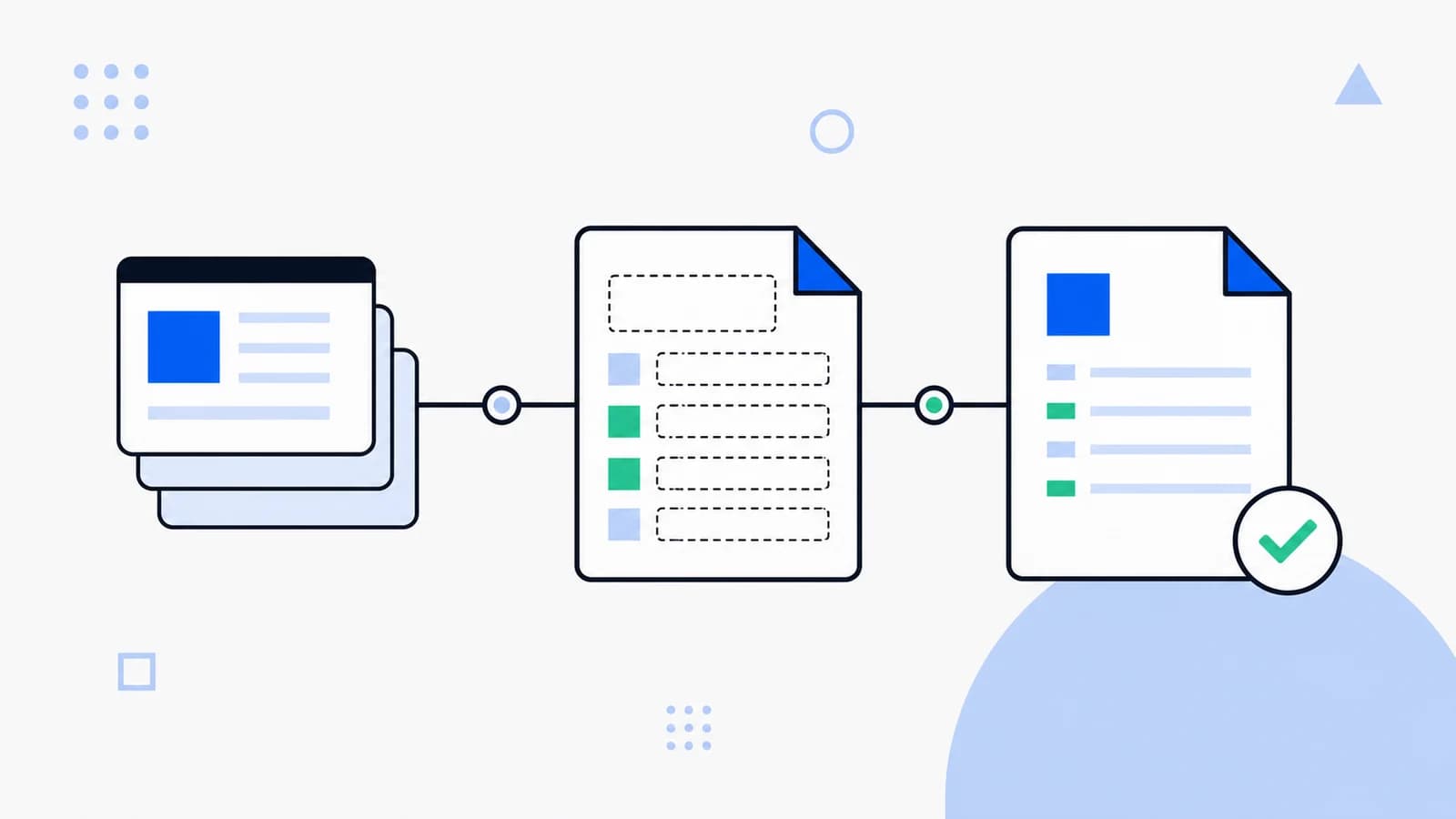
A good llms.txt file is short, stable, and intentionally curated. It should help an AI agent understand the website before it reads deeper content. Treat it as an editorial map, not a raw export of every URL.
1. Start with the project identity
Use a top-level heading for the product or organization name. Add one short paragraph that explains what the site does, who it serves, and what kind of information is authoritative.
# Example Cloud
> Developer tools for deploying and monitoring production web apps.
2. Group links by intent
Avoid a flat list of random pages. Group links into sections such as Product, Documentation, API, Pricing, Support, Policies, or Changelog. The section names should match how a user or agent would reason about the site.
## Documentation
- [Quickstart](https://example.com/docs/quickstart)
- [API reference](https://example.com/docs/api)
- [Deployment guide](https://example.com/docs/deployments)
3. Prefer canonical pages
Link to the source of truth. If a marketing page summarizes a feature but the documentation has the exact behavior, include the documentation URL. If a policy has regional variants, link to the version that applies globally or explain the difference.
4. Add llms-full.txt for dense content
llms.txt should stay compact. For long documentation, product catalogs, or knowledge-base exports, create /llms-full.txt. This lets agents decide whether they need the short overview or the full context.
5. Validate before publishing
- The file returns HTTP 200.
- The content is plain text or Markdown-like text.
- Important links are absolute and canonical.
- The file does not expose private, draft, or internal URLs.
- The content can be understood without executing JavaScript.
Example structure
# Example Cloud
> Developer tools for deploying and monitoring production web apps.

## Product
- [Overview](https://example.com/product)
- [Pricing](https://example.com/pricing)

## Documentation
- [Quickstart](https://example.com/docs/quickstart)
- [API reference](https://example.com/docs/api)

## Support
- [Status page](https://status.example.com)
- [Contact support](https://example.com/support)

## Optional
- [Full context](https://example.com/llms-full.txt)
Once the file is live, run an audit and submit it to the llmsmap.me global directory.